Book Binding
- Feb 18, 2020
- 2 min read
Updated: May 6, 2020
Eventually we are going to have to bind our own process books, so today we learnt three techniques on how to bind our books; Perfect bind, Japanese bind (refer to last post to see the method) and french link bind.
Techniques
Perfect Bind
Inside Pages
1.
We cut however many sheets to size stack them on top of each other and make sure they are level.
2.
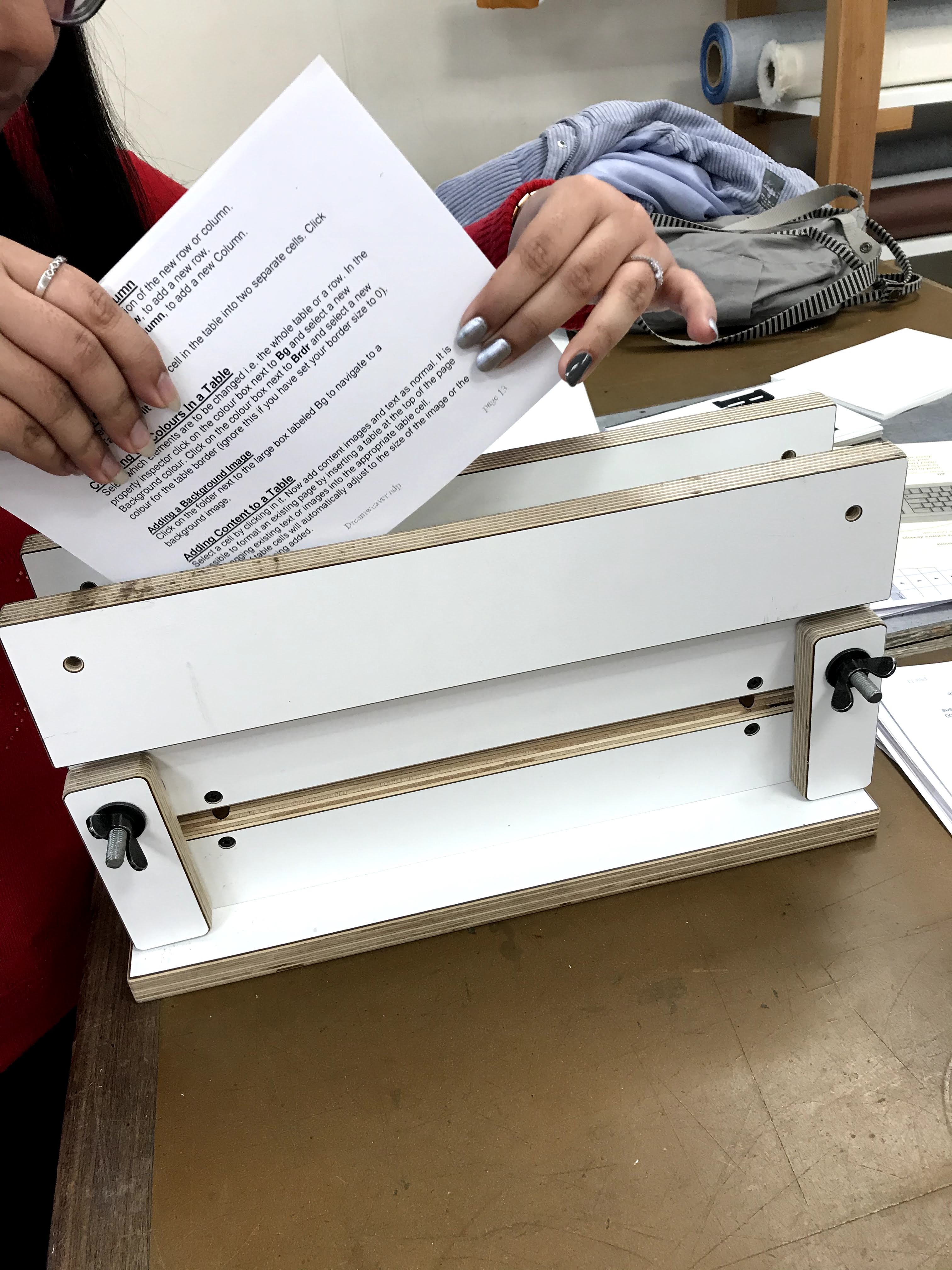
Using a press (as seen here in the picture bellow) drop the stack of paper with two scrap pieces either side into the press.
3.
Use a ruler to make the stack level.
4.
Tighten the press and turn it back round so the top is facing up.
5.
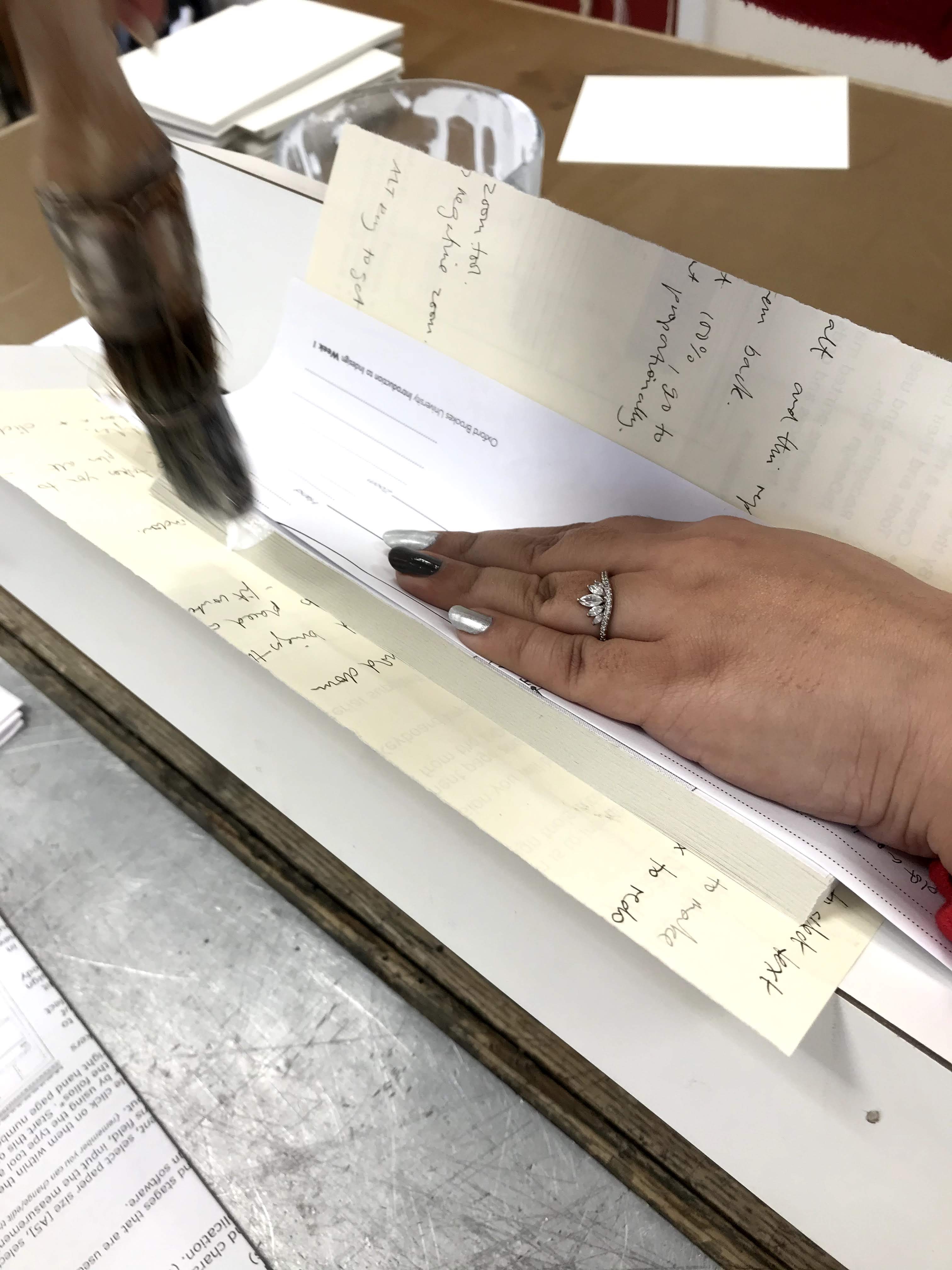
Using PVA glue coat the edges of the pages using this technique (See Picture Below) repeat for the other side. Use folded piece scrap paper and line it up with the bare edge of the stack of paper to make sure no glue is put onto the face of the first page.
6.
leave it in the press to dry for 5 -10 minutes.
Outside Pages
1.
Print out the front cover on good stock (110 GSM +)
2.
To make the spine mark where you want it to be with a pencil. Then score a line down with a blunt knife make sure you do not go through to the other side of the page.
3.
Trim your front cover to size.
4.
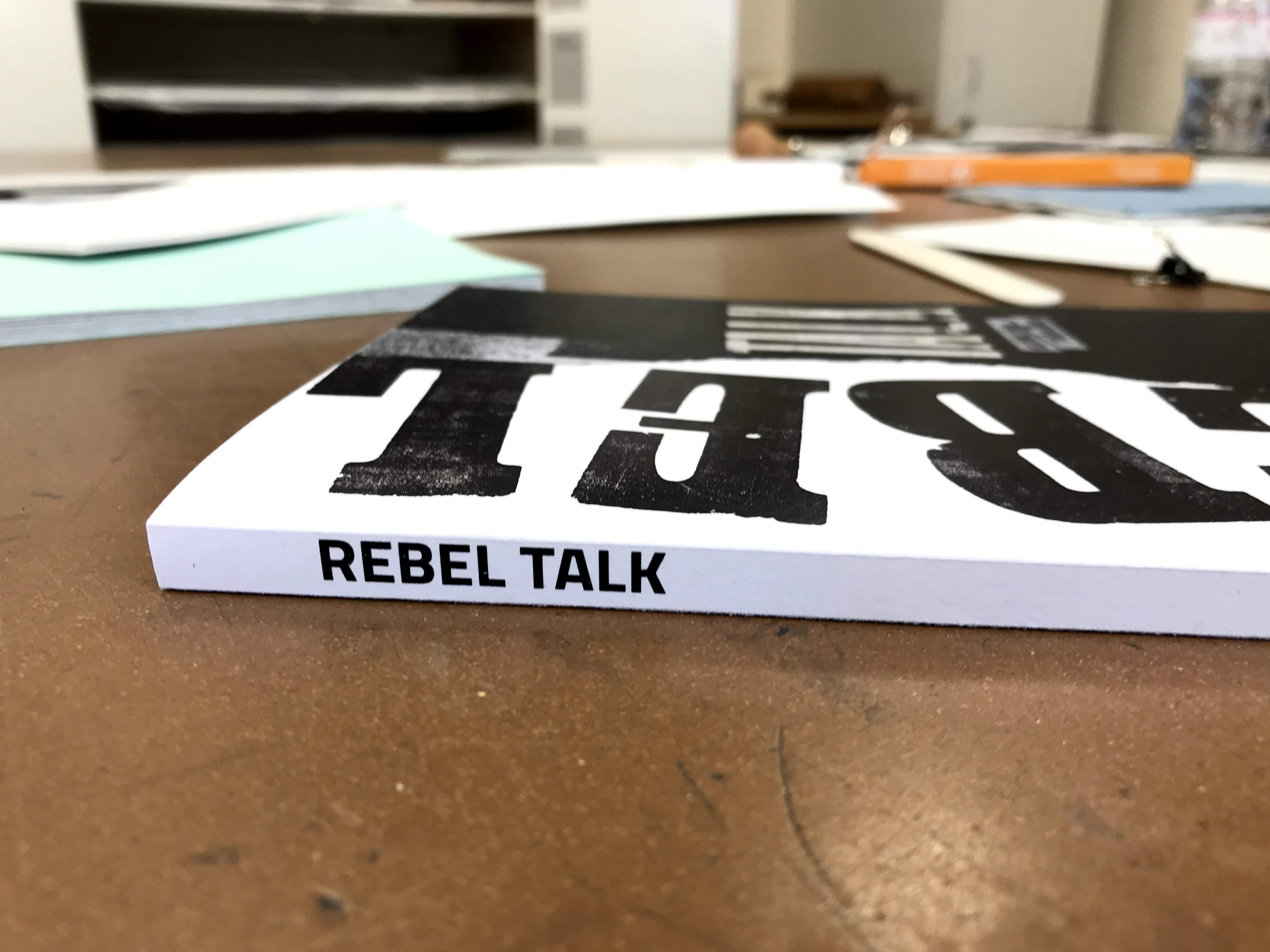
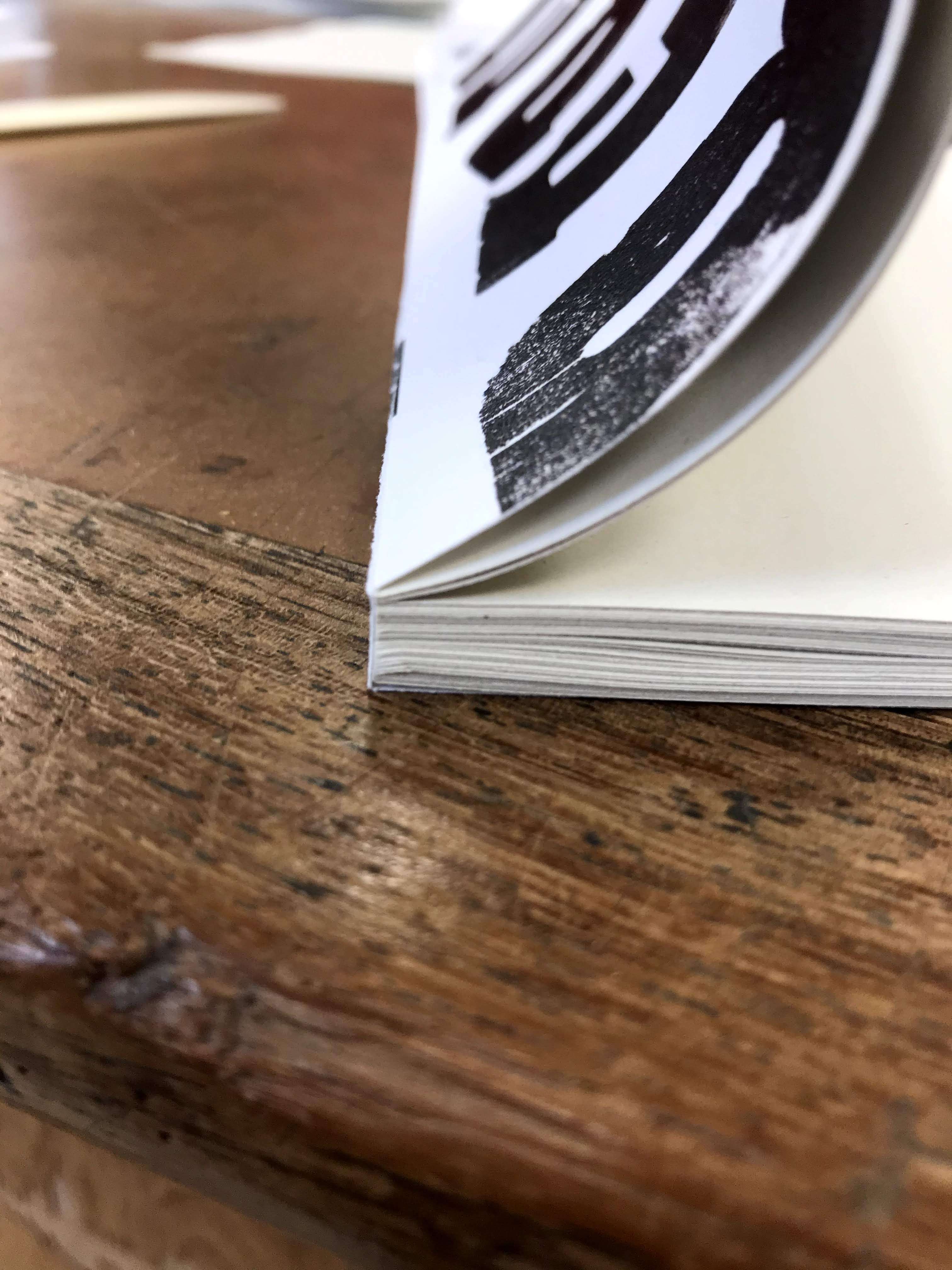
Fold the score marks to create the spine and taking out the dried inside pages use only a small amount of glue and apply it to the spine of the inside pages.
5.
Put the front cover on top and hold there for 2 minutes.
French Link Stitch
1.
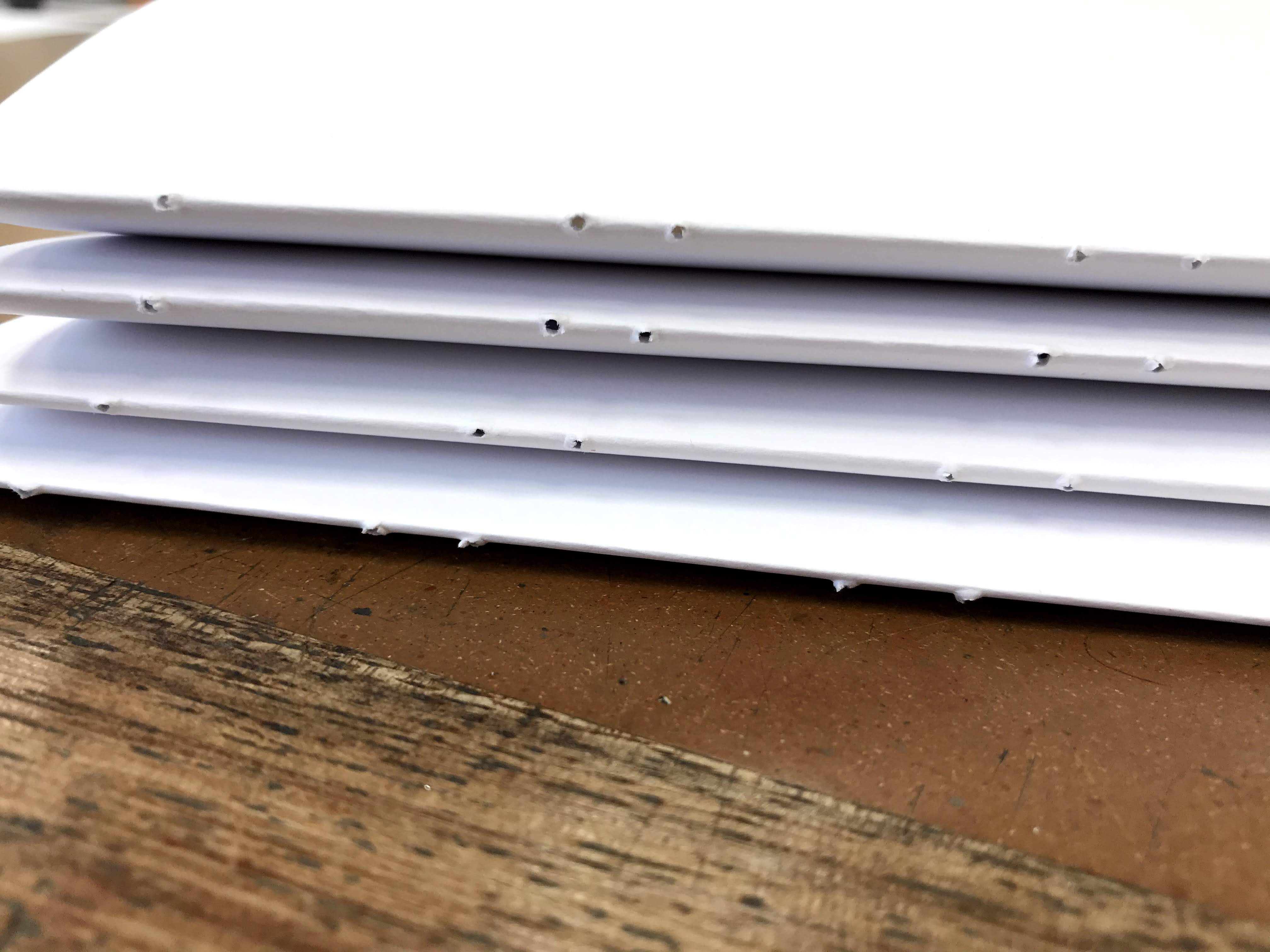
First fold up four sets of 4 sheets of paper.
2.
Then punch six holes (using pricker) evenly into the crease of each set (in the same place in each set).
3.
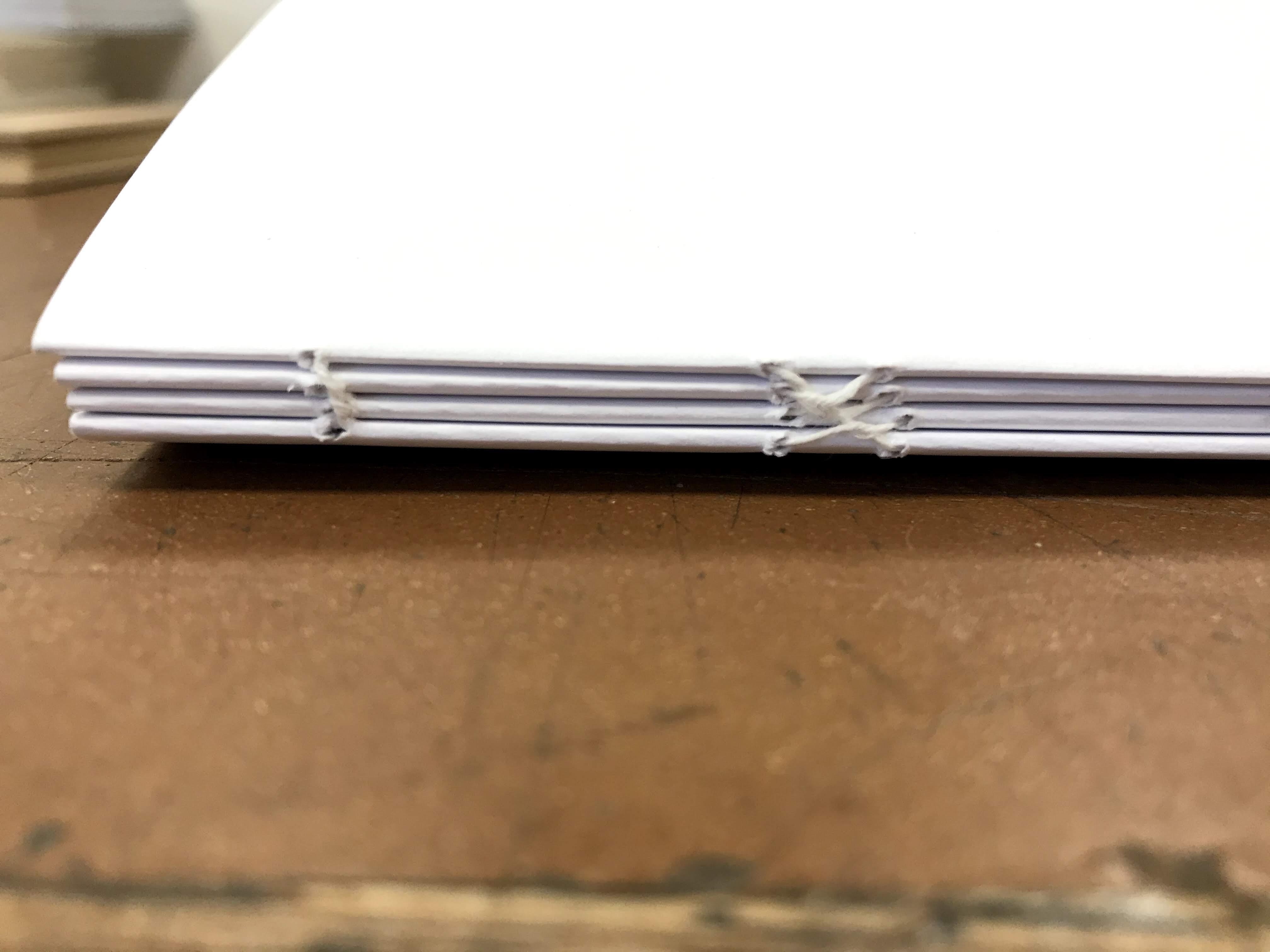
Using a needle and thread following this pattern:


4.
To link the four sets together you use a kettle stitch:

5.
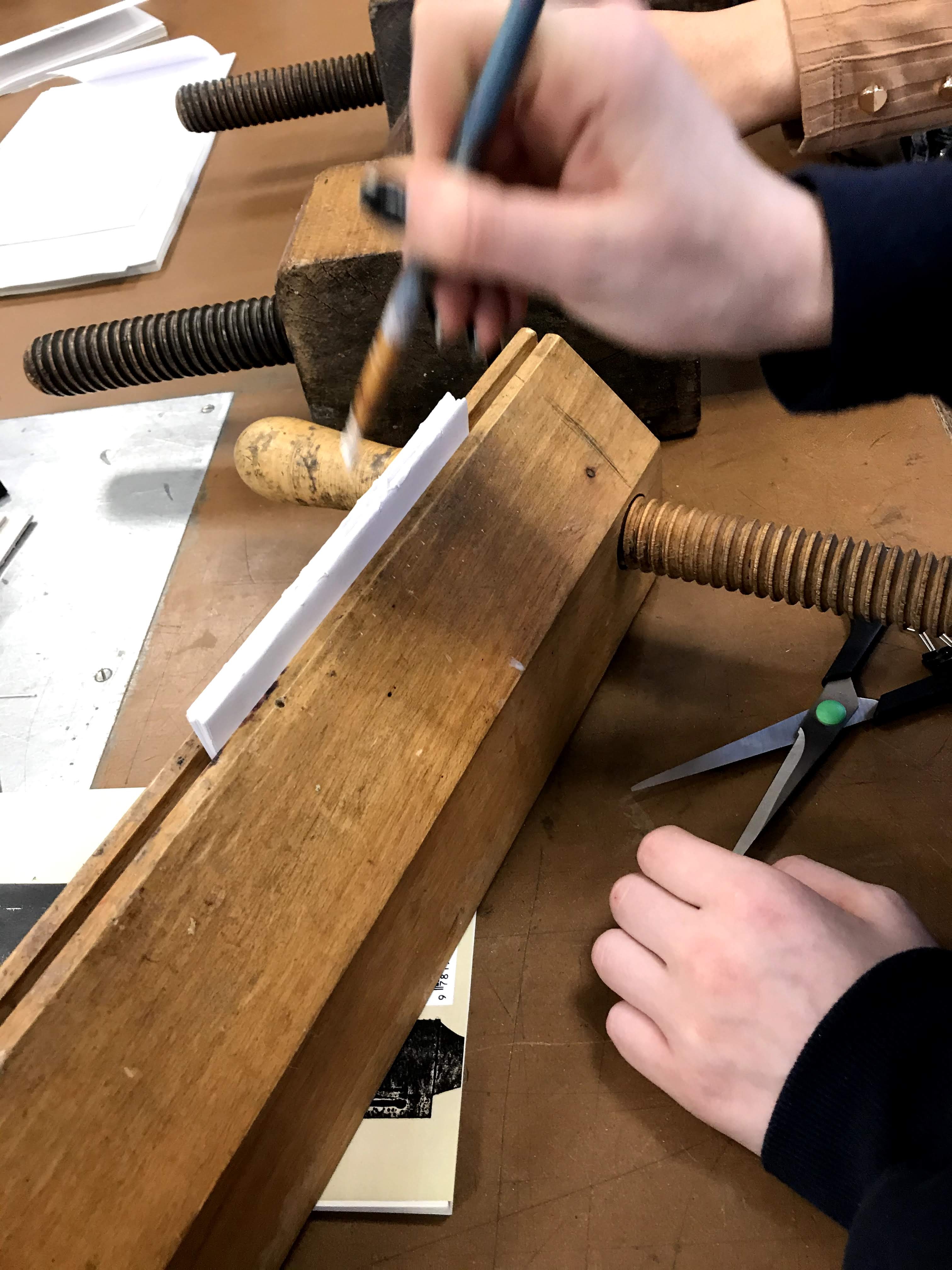
Place the book into a book press and tighten. Use PVA glue to dab over spine make sure all the gaps are filled with glue and any excess is wiped off.
6.
Leave to dry in the press for 5 minutes.


Comments